
We're a podcast, YouTube Channel and blog platform - designed to inspire growth, spark ideas, and help professionals, like you, achieve your full potential.
We're a podcast, YouTube Channel and blog platform - designed to inspire growth, spark ideas, and help professionals, like you, achieve your full potential.
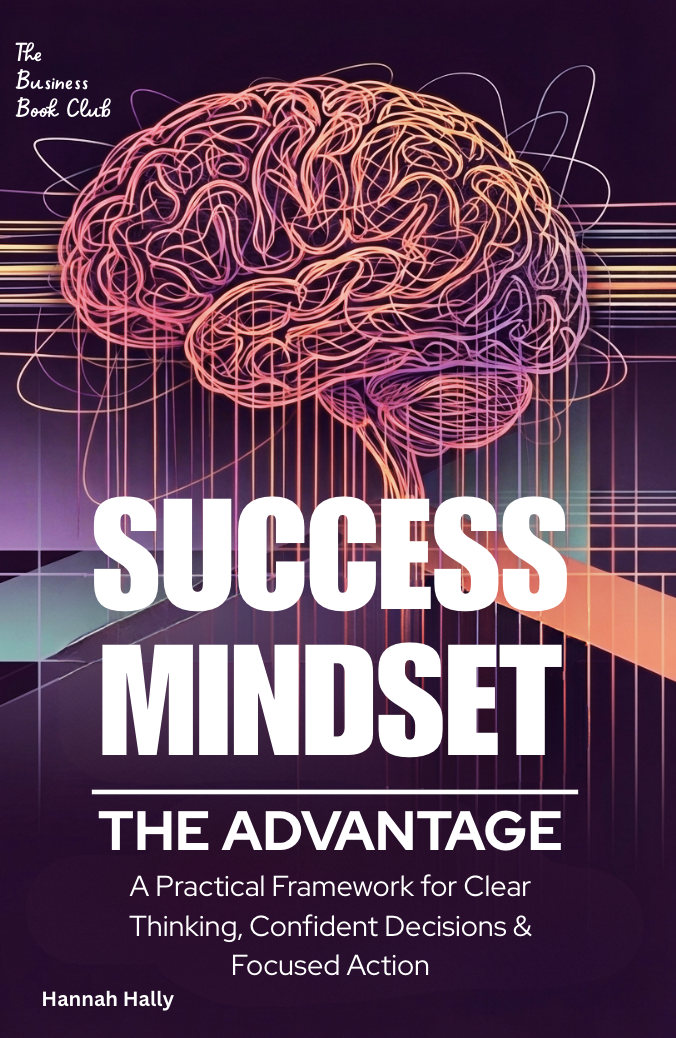
Welcome! Your Success Mindset Resources Are Ready to Download.
Thank you for reading Success Mindset: The Advantage. This page contains all five professional resources referenced throughout the book—ready for you to download, customise, and implement immediately in your professional development.
What You'll Find Here
These resources are designed to help you put The Advantage framework into practice from day one. Each tool has been developed to transform the concepts from the book into actionable systems that strengthen how you think, decide, and operate under pressure.
No sign-up required. No email capture. Just instant access to the tools you need.
How to Use These Resources
The Advantage Resources
Resource 1: The Advantage Framework Workbook (PDF)
What it is: A comprehensive 20+ page workbook that transforms the book's concepts into practical application. This is your primary tool for building the Advantage into your personal operating system.
What's included:
Best used for:
How to use it: Start with Part 1 (Self-Assessment) to identify your lowest-scoring element. That's where you begin. Then use the relevant templates as situations arise—keep this workbook accessible during decision-making moments.
Recommended frequency: Complete self-assessment quarterly. Use decision templates as needed. Complete weekly reflections every Friday afternoon or Sunday evening. Review 90-day progress monthly.
Resource 2: Decision Framework Cards (PDF)
What it is: A quick-reference guide featuring six decision-making frameworks on individual cards. Think of this as your "in-the-moment" decision support tool when you don't have time to work through the full workbook.
What's included:
Best used for:
How to use it: Print the cards you use most frequently and keep them visible. When facing a decision, scan the Framework Selection Guide to choose which approach fits, then flip to that card and work through the questions.
Recommended frequency: Reference as needed during decision-making. Most users find 2-3 frameworks they use repeatedly—print those and keep them accessible.
Resource 3: 30-Day Operating System Builder (PDF)
What it is: A structured daily practice guide that builds the Advantage framework incrementally over 30 days. Instead of trying to implement everything at once, this program introduces one small practice per day.
What's included:
Best used for:
How to use it: Commit to 10-15 minutes per day for 30 days. Complete each day's practice in order—the sequence is deliberate and builds on previous days. Journal your reflections. Complete the weekly reviews before moving to the next week.
Recommended frequency: Use once as your initial 30-day integration program. Can be repeated quarterly if you want to reset and refine your system.
Resource 4: Ownership Thinking Toolkit (PDF)
What it is: A collection of six practical templates that help you think and operate like an owner—even when you don't have formal authority. These templates transform you from an executor who waits for direction into a strategic contributor who shapes outcomes.
What's included:
Best used for:
How to use it: Select the template that fits your current situation. Complete it before taking action. Over time, the thinking patterns become automatic, and you'll need the templates less frequently.
Recommended frequency: Use Template 4 (Strategic Contribution Planner) weekly. Use others as situations arise. Complete Template 6 (Project Ownership Assessment) monthly.
Resource 5: Personal Operating System Template (PDF)
What it is: A comprehensive template for documenting your personal operating system—the principles, practices, and filters that guide how you think, decide, and act under pressure. This is your living document that evolves with you.
What's included:
Best used for:
How to use it: Block 2-3 hours to complete the initial version. Don't aim for perfection—document how you actually operate when you're at your best. Update quarterly as your context and priorities evolve. Keep it accessible during high-pressure moments.
Recommended frequency: Complete the initial version within first 30 days of finishing the book. Review and update quarterly. Reference the Emergency Access section whenever you're under extreme pressure.
Integration Roadmap: Where to Start
If you have 30 minutes right now:
Download the Decision Framework Cards. Print the ones you'll use most. Keep them at your desk.
If you have 2 hours this week:
Complete Part 1 (Self-Assessment) of the Advantage Framework Workbook. Identify your lowest-scoring element.
If you're ready to commit 30 days:
Download the 30-Day Operating System Builder. Start Day 1 tomorrow. Commit to the daily practice.
If you want strategic impact:
Download the Ownership Thinking Toolkit. Use Template 4 (Strategic Contribution Planner) this week.
If you're building long-term:
Download the Personal Operating System Template. Block time this weekend to complete your first draft.
Making These Tools Work
Start small:
Don't try to use all five resources at once. Choose one based on your current challenge. Master it before adding another.
Build consistency:
The power is in repeated use, not in collecting tools. One framework used consistently beats five used occasionally.
Integrate, don't accumulate:
These tools exist to strengthen your thinking, not to create more work. If a template isn't serving you, adjust or discard it.
Share strategically:
These resources can help your team, but don't mandate their use. Share when relevant, demonstrate through your own improvement, let others adopt by choice.
A Final Note
The Advantage framework becomes your operating system through practice, not through reading. These resources are designed to accelerate that practice—to help you turn principles into actions, and actions into habits.
You don't need to use every resource. You don't need to complete every template. You need to choose what serves you, integrate it deliberately, and let it compound over time.
The system builds slowly. The advantage compounds reliably.
Start with one resource. Build from there.
We need your consent to load the translations
We use a third-party service to translate the website content that may collect data about your activity. Please review the details in the privacy policy and accept the service to view the translations.